How SuperSwipe Shopify Draws Work
From the moment a fan hits Enter Draw to the moment their order ships. Every step, with zero detour out of your storefront. This walkthrough follows a standard draw. See release modes for the scheduled and pay-after variants.
-
01
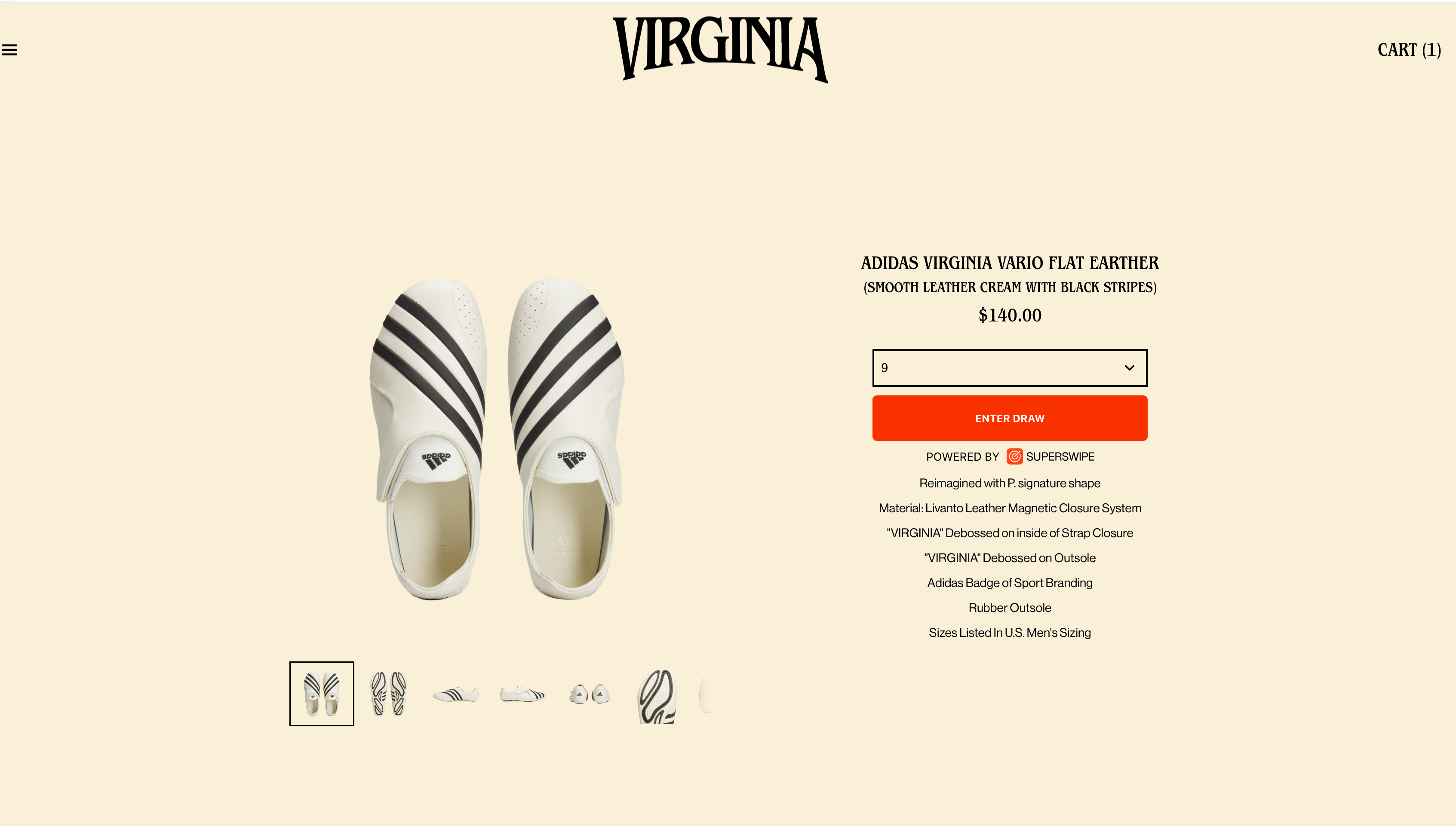
Fan hits "Enter Draw"
Your product page picks up an Enter Draw button. Same page, same brand. Fans never leave the storefront.
-
02
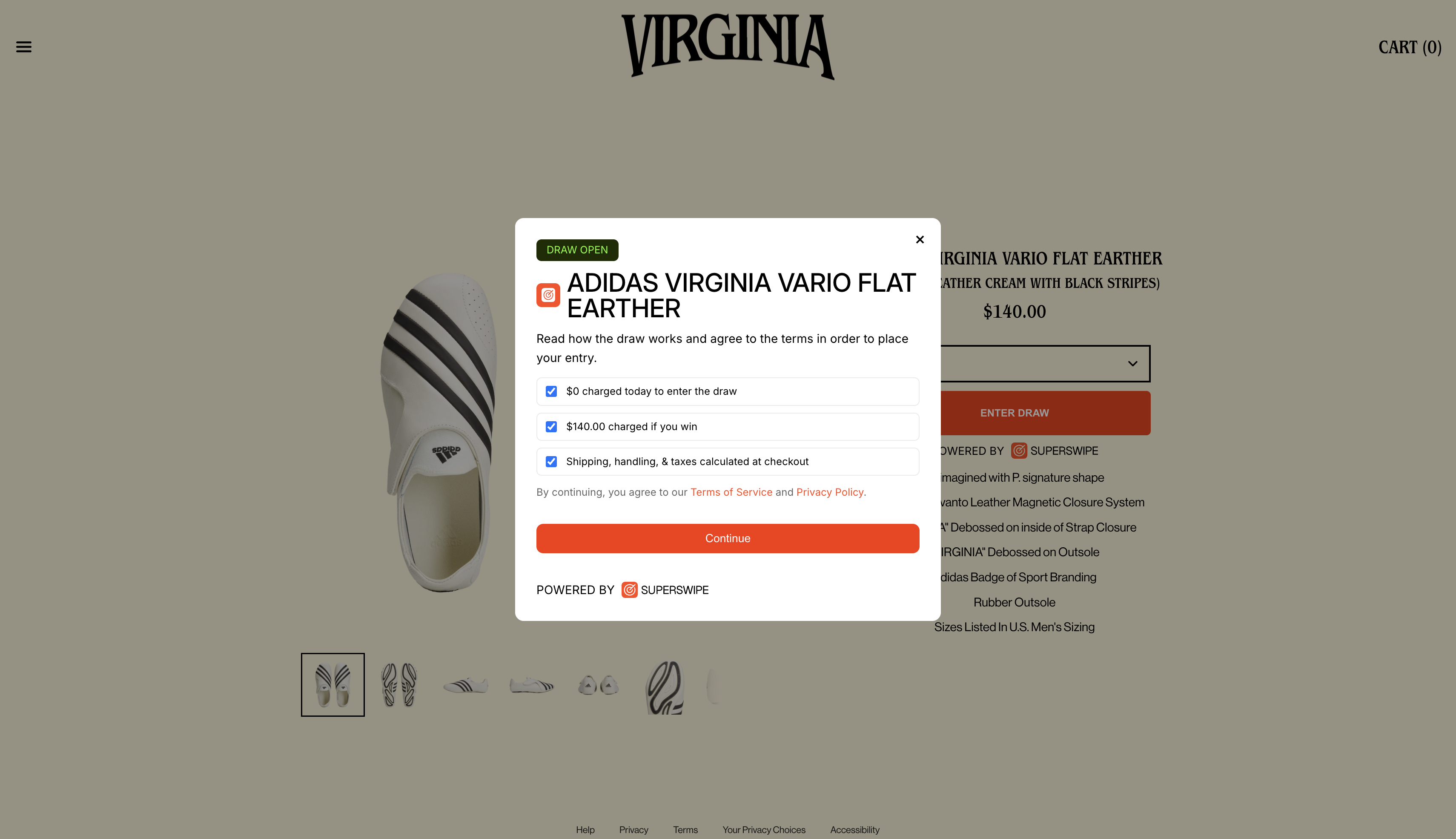
Terms shown in plain English
Before confirming, fans see exactly what happens: $0 charged today, full price only if their entry is picked.
-
03
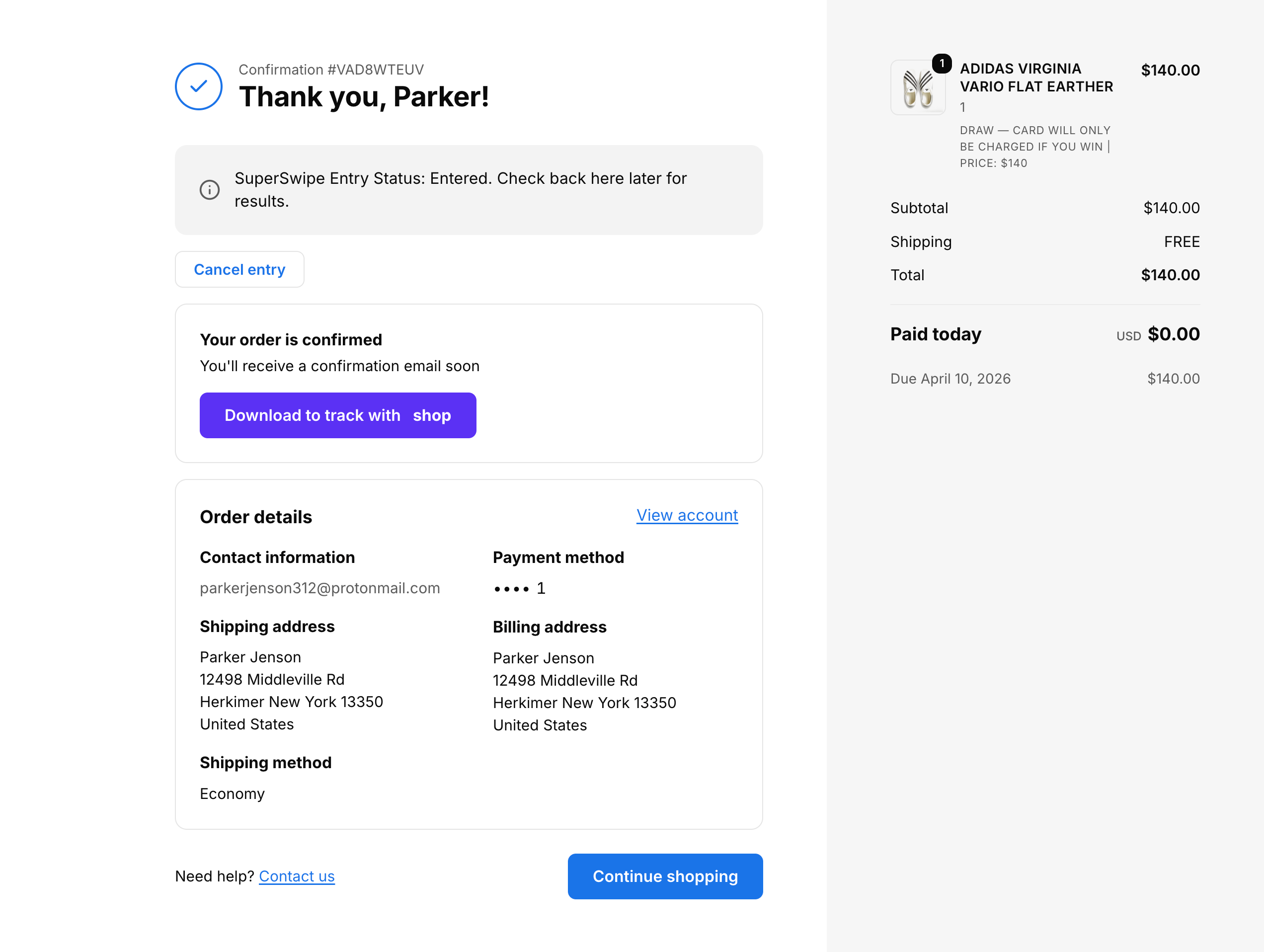
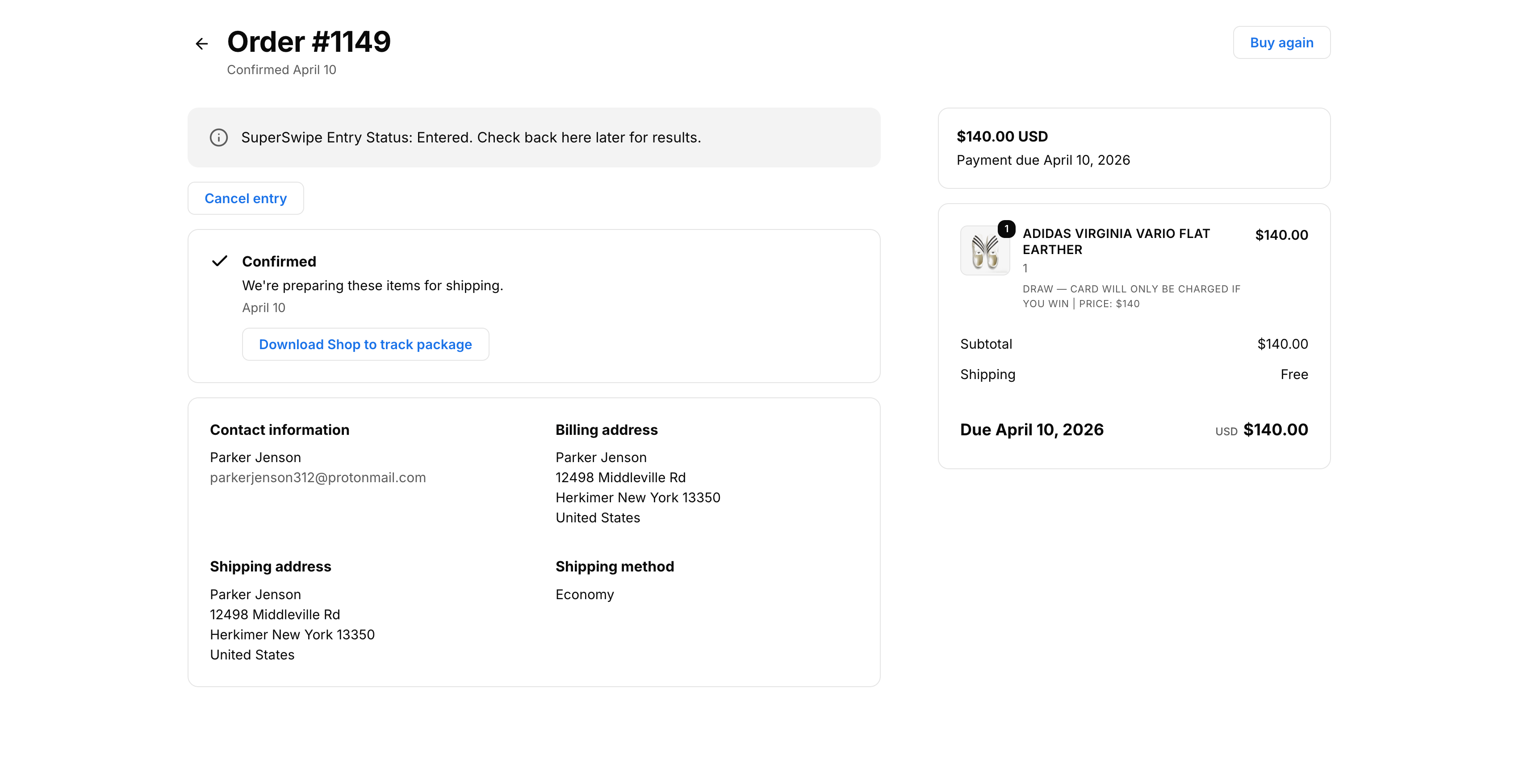
Entry confirmed, no charge
A native order-confirmation page with a clear "Entry Status: Entered" banner. Paid today: $0.
-
04
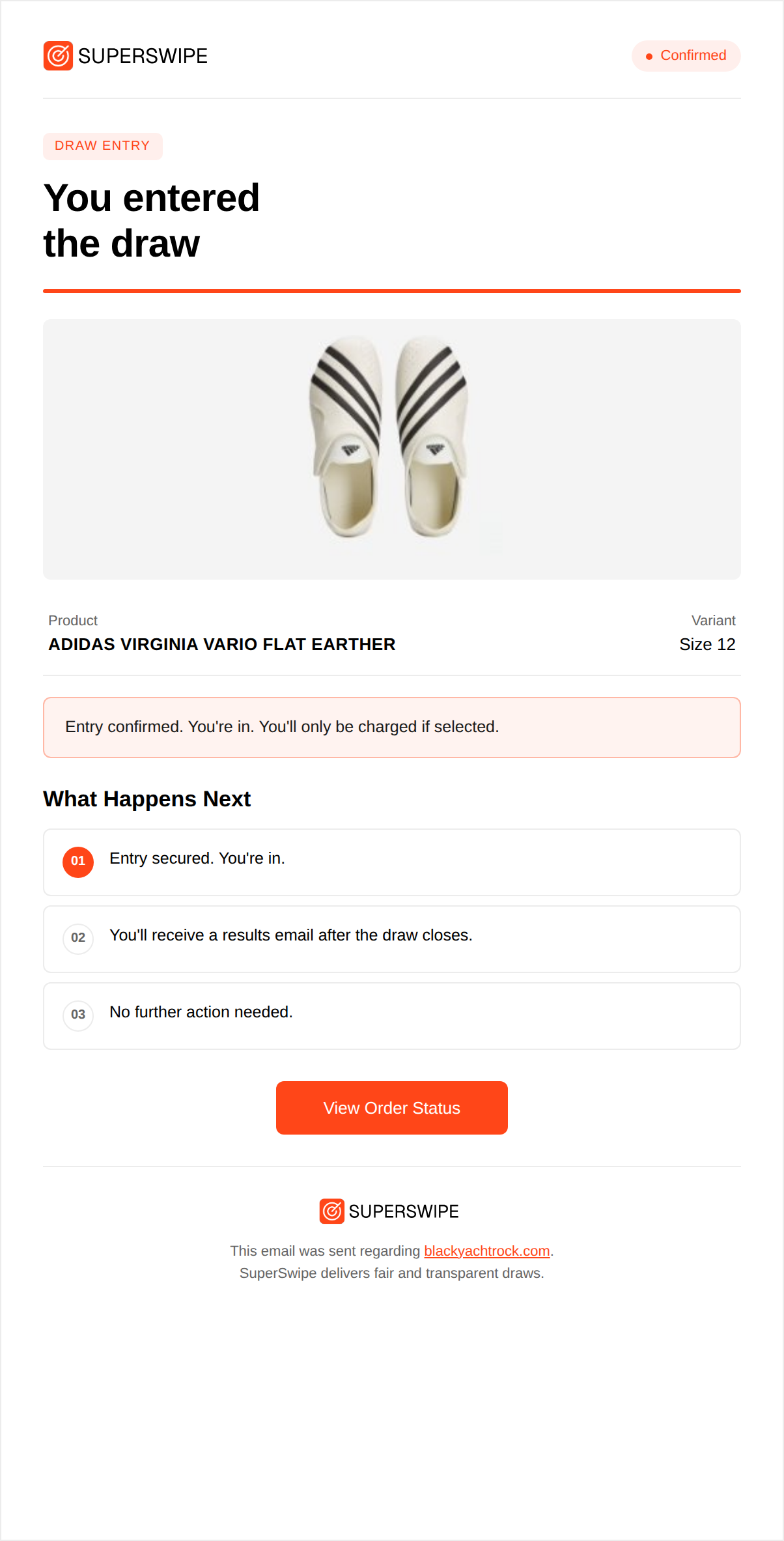
Receipt in their inbox
An entry receipt sent from your store, with what to expect next and zero ambiguity about the charge.
-
05
Entry held in their account
Fans check status from their order page, see when the draw closes, and can cancel anytime.
-
06
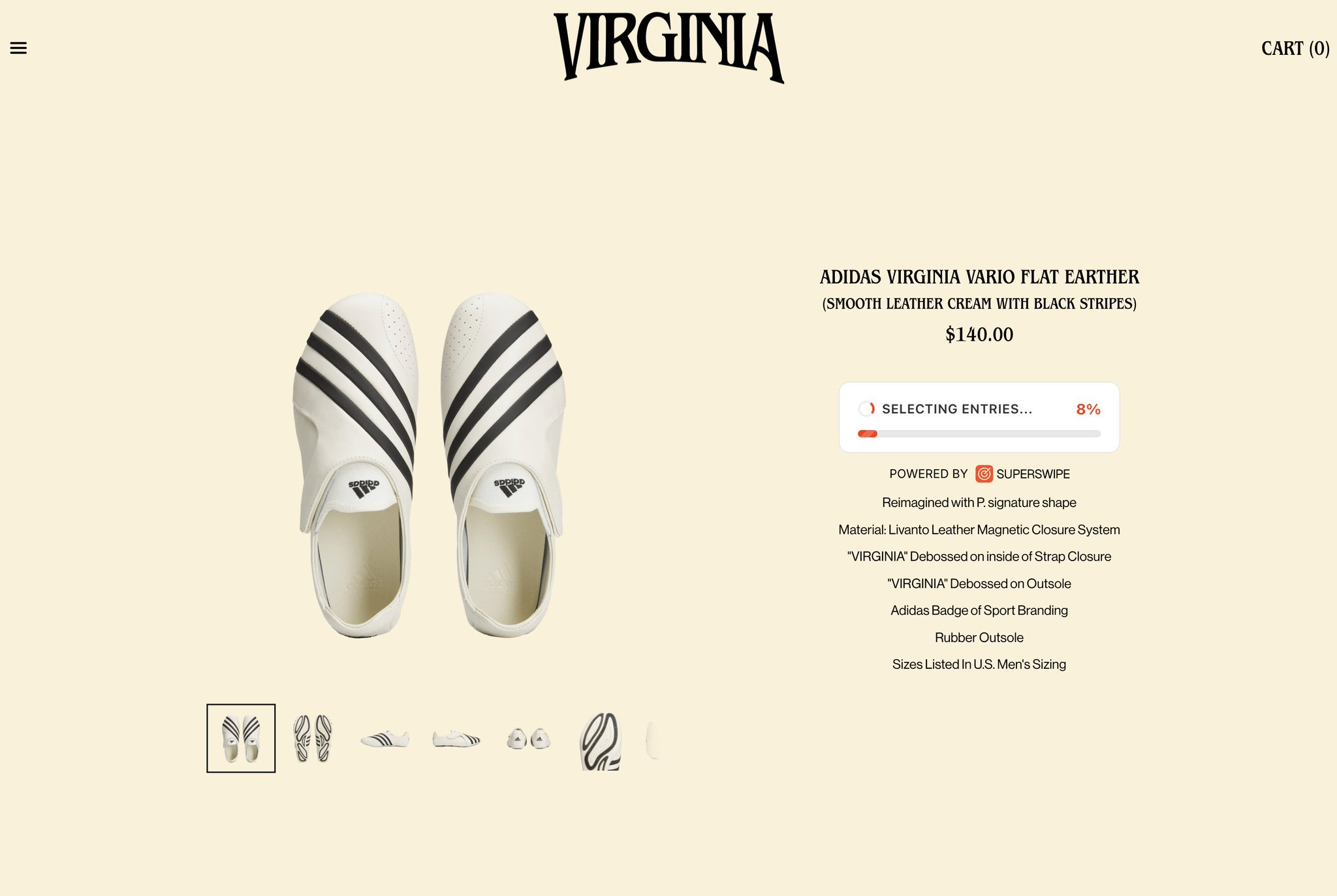
Selection runs at close
When the window closes, the storefront shows live progress as bot filters run and winners are picked.
-
07
If selected
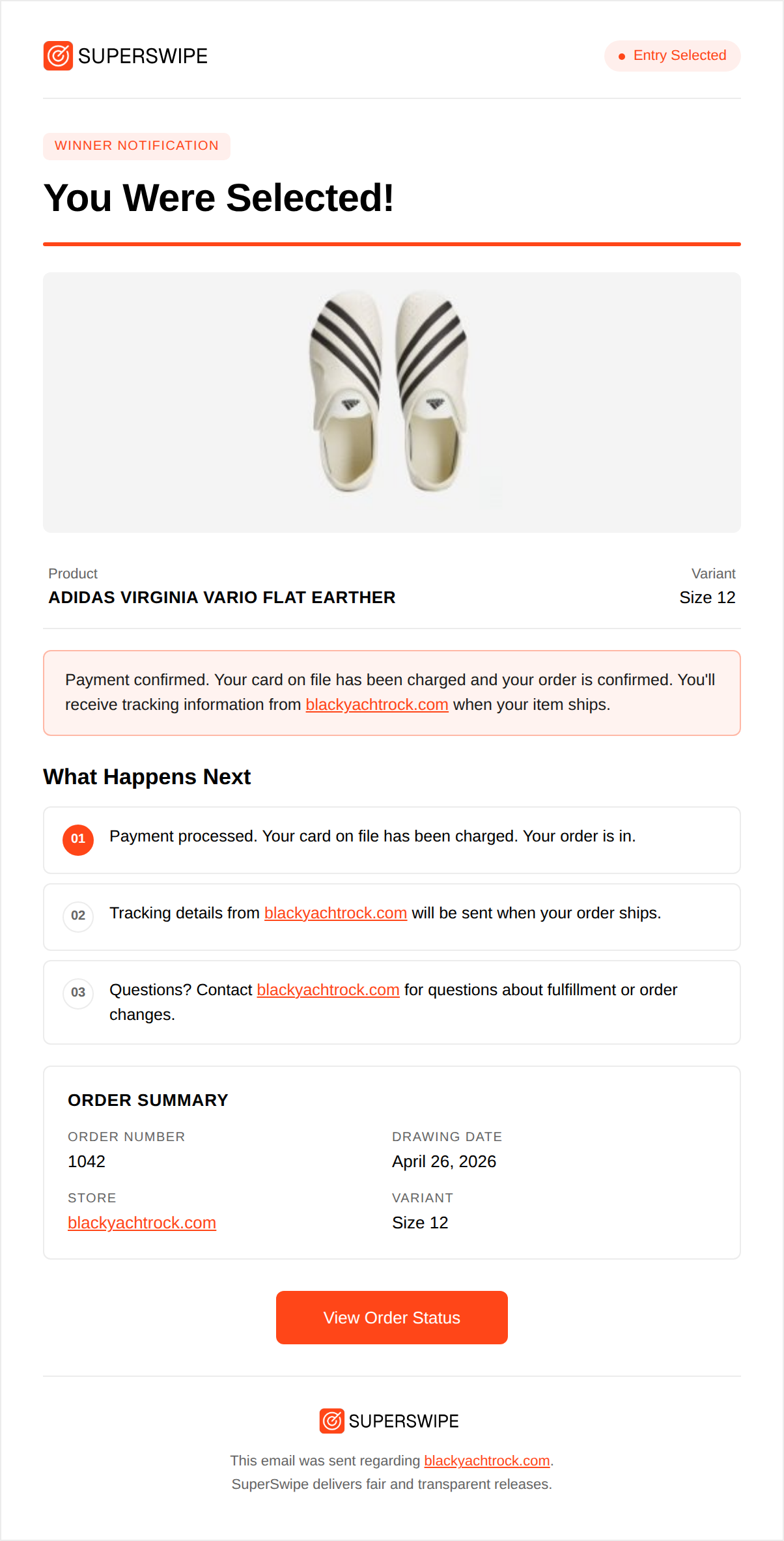
Winners notified
Selected fans get a winner notification email, branded from your store. This is when the card is charged.
-
08
If selected
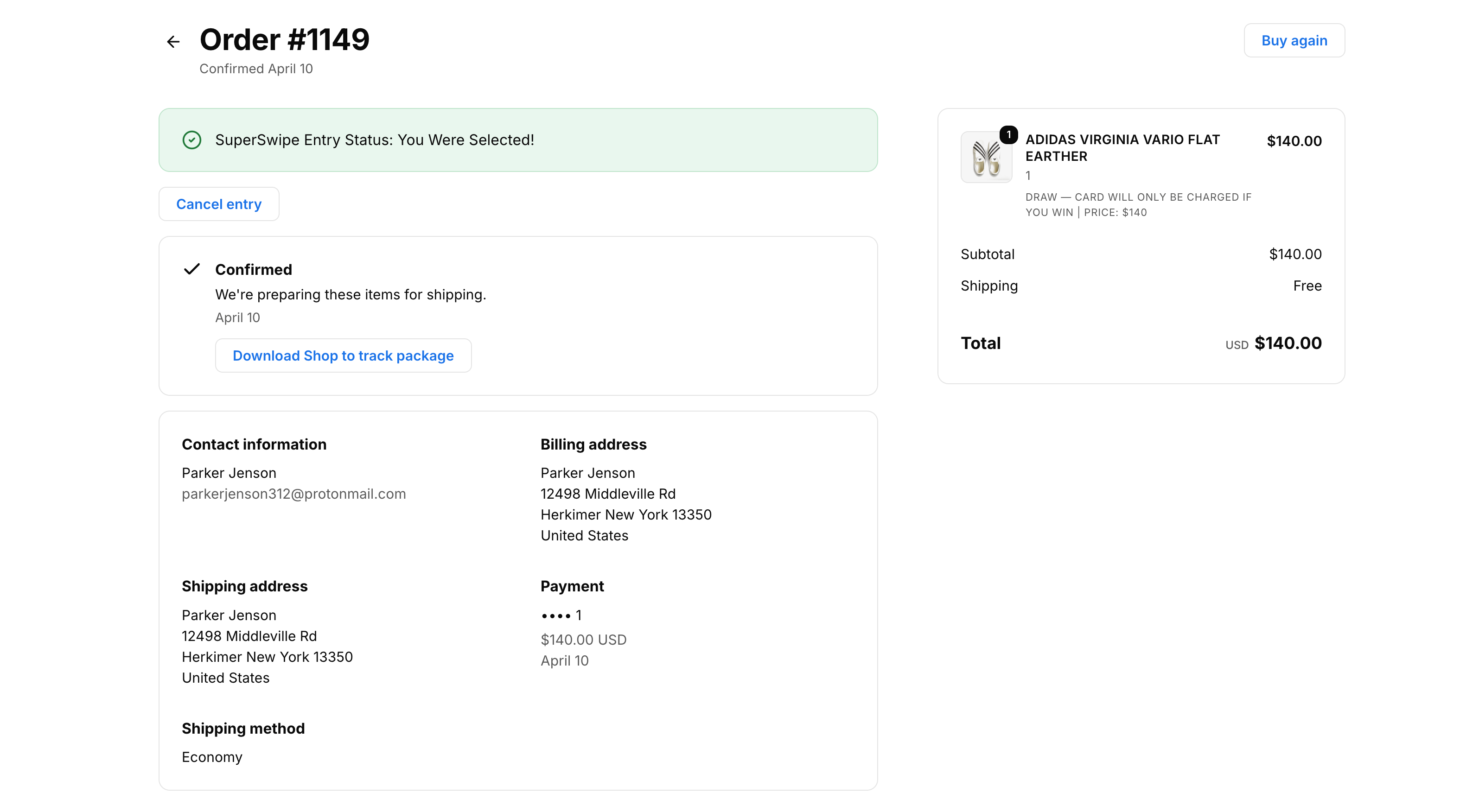
Order ships like any other
Status flips to green "You Were Selected." From here it's a regular Shopify order.
-
09
If not selected
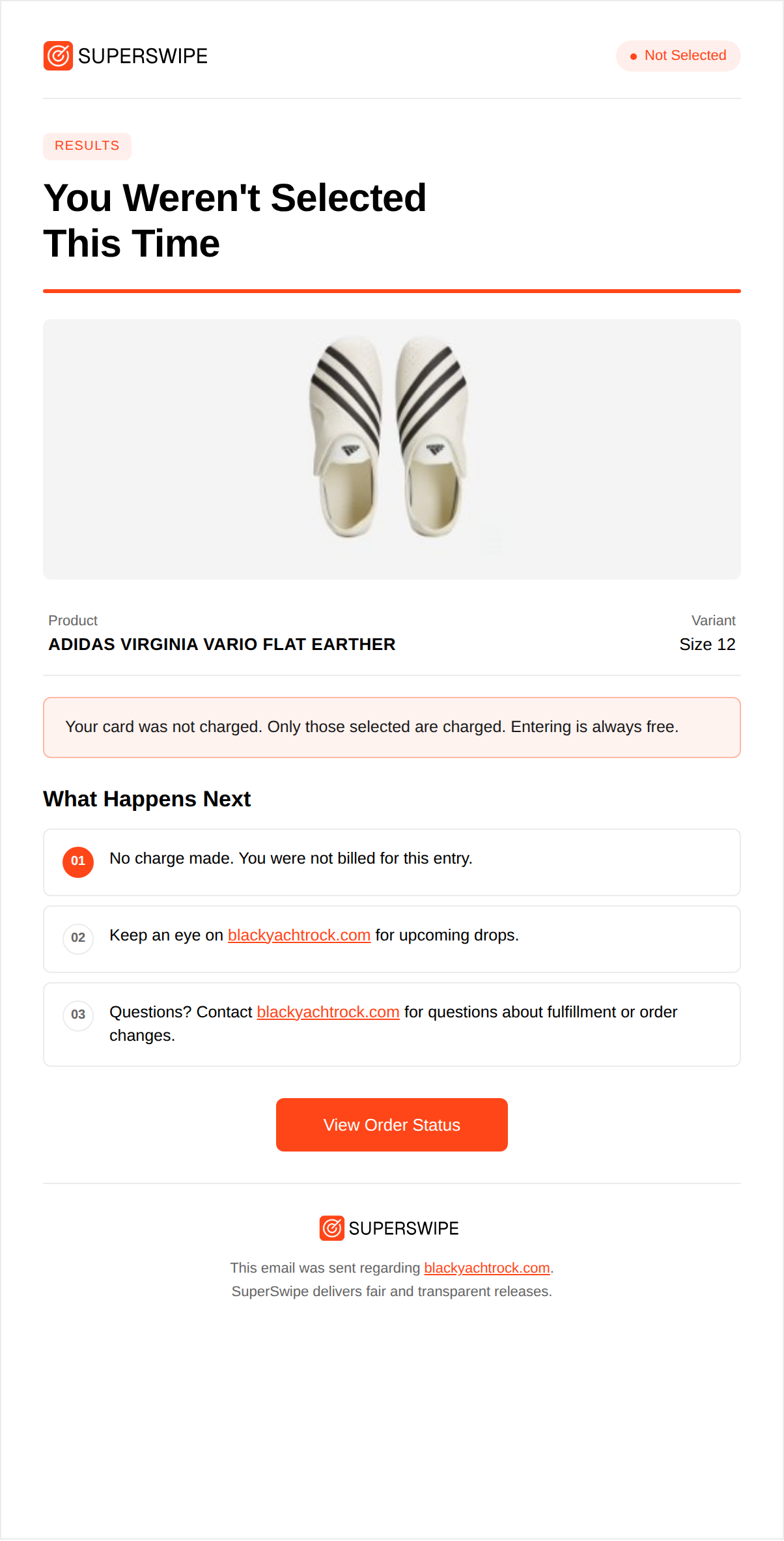
"Not selected" email
Fans who weren't picked get a calm, branded email confirming the draw closed and their card was never charged.
-
10
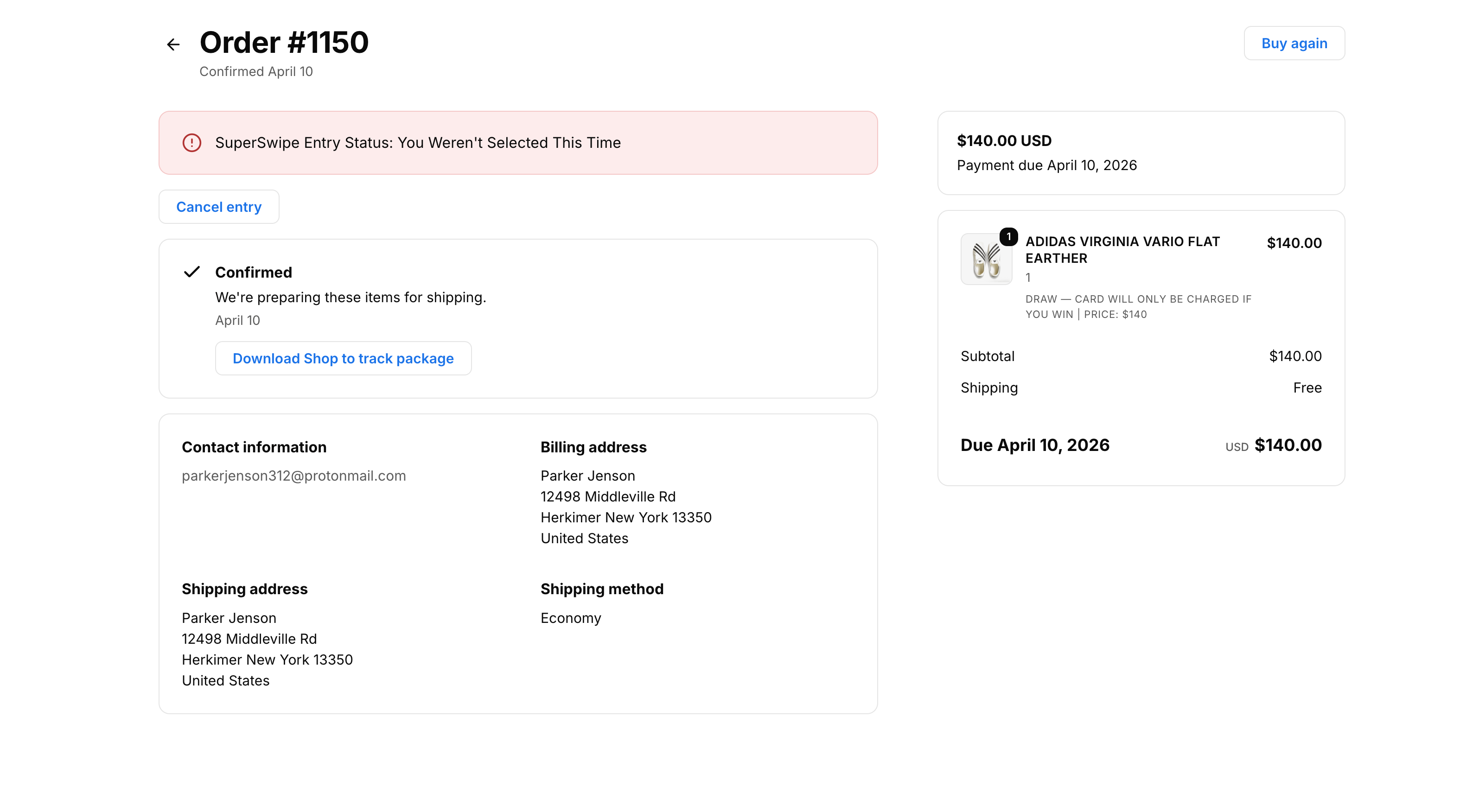
If not selected
Entry archived, $0 charged
The order page reflects the closed draw and $0 charged. No refund flow, no card capture, no friction.
Your product page picks up an Enter Draw button. Same page, same brand, fans never leave the storefront.
Built for SuperFans
Free to install. Pay only on successful entries. No contract, no minimums. See the full list of features for what's included.